A large sample library is useful only if you can reach the right sound while the idea is still alive. FL Studio can browse almost any folder, but pointing it at an unplanned archive creates repeated names, deep nesting and thousands of choices in every session.
This system separates active sounds from storage, preserves original packs and gives you a small favorites layer that becomes more valuable with every finished beat.
Use three library levels
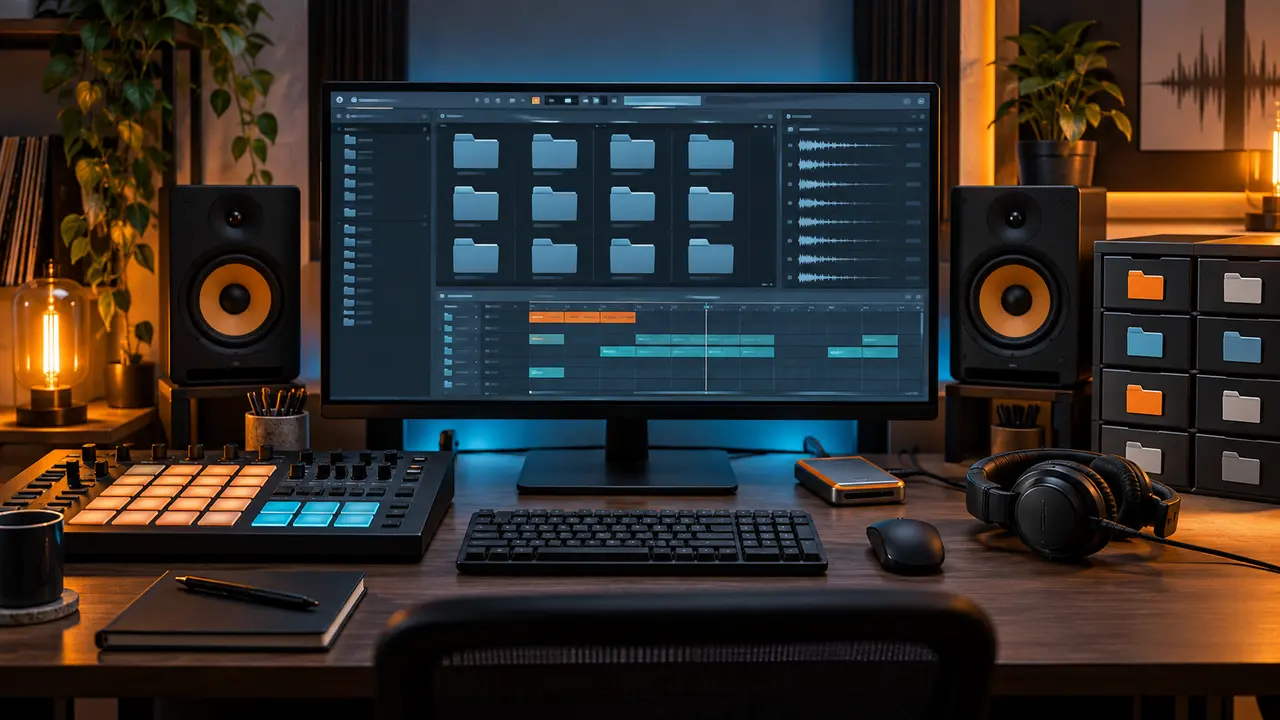
Divide your files into Active, Favorites and Archive. Active contains the packs you are currently testing or using. Favorites contains sounds that have worked in real projects. Archive preserves every original download, documentation file and unused sound outside the daily Browser.
This structure removes clutter without deleting anything. It also makes it clear where a new pack goes: archive first, then a temporary active folder, then selected sounds graduate to favorites.
Keep original packs intact
Do not rename or reorganize the only copy of a purchased or downloaded pack. The original folder provides source context and may include documentation. Copy selected sounds into your working system and keep the untouched pack in Archive.
For a large source library such as the All Drum Kits Bundle, this is essential. Treat the bundle as a master archive, then create smaller working folders for the genres and projects you actually make.
Create a simple Favorites taxonomy
Your favorites do not need twenty categories. Start with Kicks, Snares, Claps, Hats, Percussion, 808s, Effects and Loops. Add a genre prefix only when it changes how you search—for example Boom Bap Kicks or Drill Percussion.
Inside each category, keep enough contrast to solve different jobs. A favorites folder of one hundred nearly identical kicks recreates the original problem. Review it every few months and move weak or duplicated files back to the archive.
Name files for browsing, not decoration
A practical filename tells you what the sound is and, when useful, its key or character. Avoid adding long tags to every file. A pattern such as source_type_character_key is enough: packA_808_clean_F or packB_snare_roomy.
Only rename your copied favorites. Original files should stay untouched so you can trace them back to the pack. If two products use the same display title, their source-folder name keeps them distinct.
Add only active folders to the FL Studio Browser
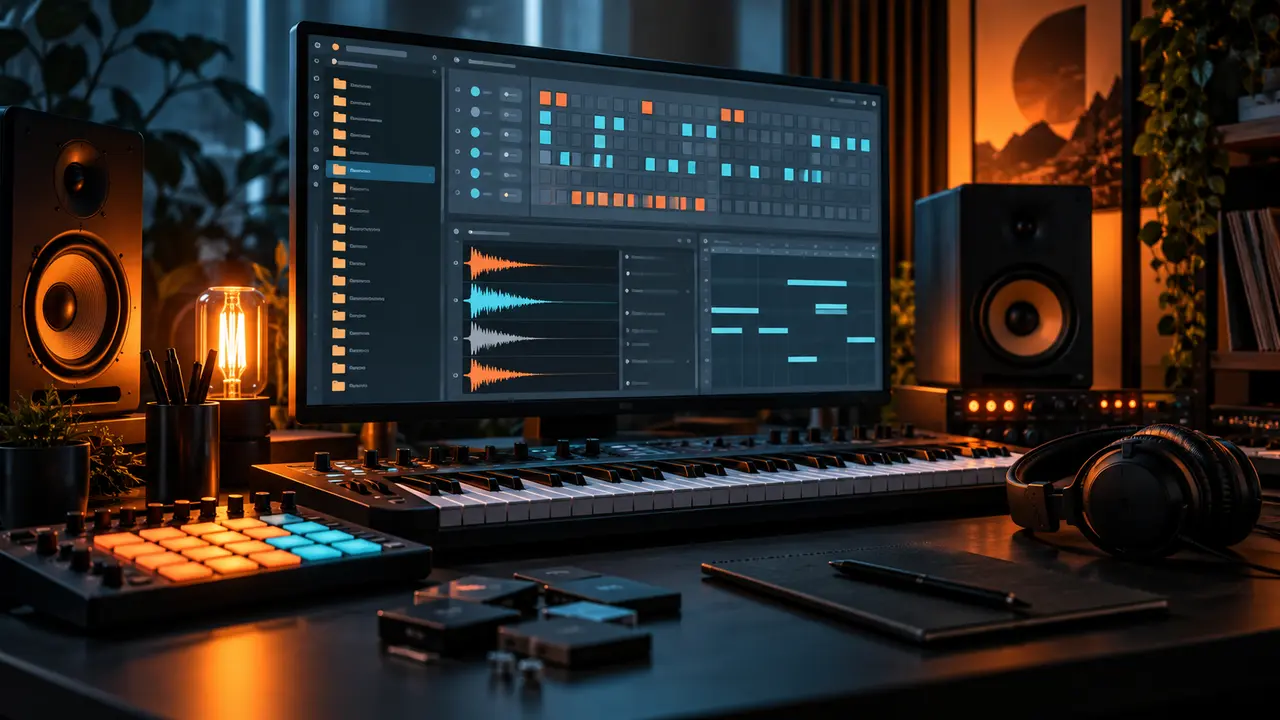
In FL Studio's file settings, add your Active and Favorites locations as extra search folders. The Archive does not need to occupy the main Browser. You can open it from the operating system when you intentionally want to explore.
Place Favorites near the top and use a consistent prefix if necessary. The point is to reduce the number of clicks between hearing an idea and loading the first drums.
Use project folders for portability
When a beat depends on external audio, collect or copy the used samples into the project folder before moving the session to another drive or computer. Keep the project file, exported stems, references and used samples together.
Do not assume the Browser path will exist forever. A portable project protects old sessions when a drive name changes or a pack is reorganized.
Back up the library with a clear rule
Keep at least two copies of irreplaceable files on different devices, and consider an off-site copy for the archive. A synchronized folder is convenient, but synchronization alone can repeat accidental deletion. Versioned backup is safer.
Back up the Archive and Favorites; the Active folder can be rebuilt from those two. Test a restore occasionally instead of trusting a green status icon.
A weekly ten-minute maintenance routine
- Move new downloads into Archive under their original names.
- Place only current candidates in Active.
- Copy proven sounds from finished projects into Favorites.
- Remove duplicate or weak favorites.
- Collect samples for any project you plan to move.
- Confirm the backup completed.
If your library still feels slow, read 10 Ways to Finish Tracks Faster With Better Sounds and reduce the number of active choices further.
Organize by the way you produce
Your folder structure should reflect real searches. If you usually start with genre, keep active packs grouped under Trap, Drill, Boom Bap and Phonk. If you start with sound type, keep the Favorites layer first.
There is no perfect universal taxonomy. The best system is the one that makes repeated decisions visible, protects the original files and stays understandable after six months away from a project.
Use tags only when folders stop being enough
Folders are dependable because every file manager and DAW can read them. Start there. Add tags, colors or database tools only when you repeatedly need cross-category searches such as “short dark kick” or “bright open hat.” A complex tagging system that you never maintain becomes another form of clutter.
When tagging favorites, use a small controlled vocabulary. Pick terms for envelope, tone and role, then apply them consistently. Avoid subjective tags such as “amazing” that provide no future decision. The fact that a sound reached Favorites already communicates quality.
Document the structure in a short text note at the library root. Include where new downloads go, how favorites are named and where projects collect used samples. This makes the system easy to rebuild after a computer change and prevents small exceptions from slowly taking over the library.
Conclusion
Keep the master archive intact, expose only Active and Favorites inside FL Studio, and let finished tracks decide which sounds graduate. A clean browser is not cosmetic—it protects momentum and makes a large sample library feel intentional.